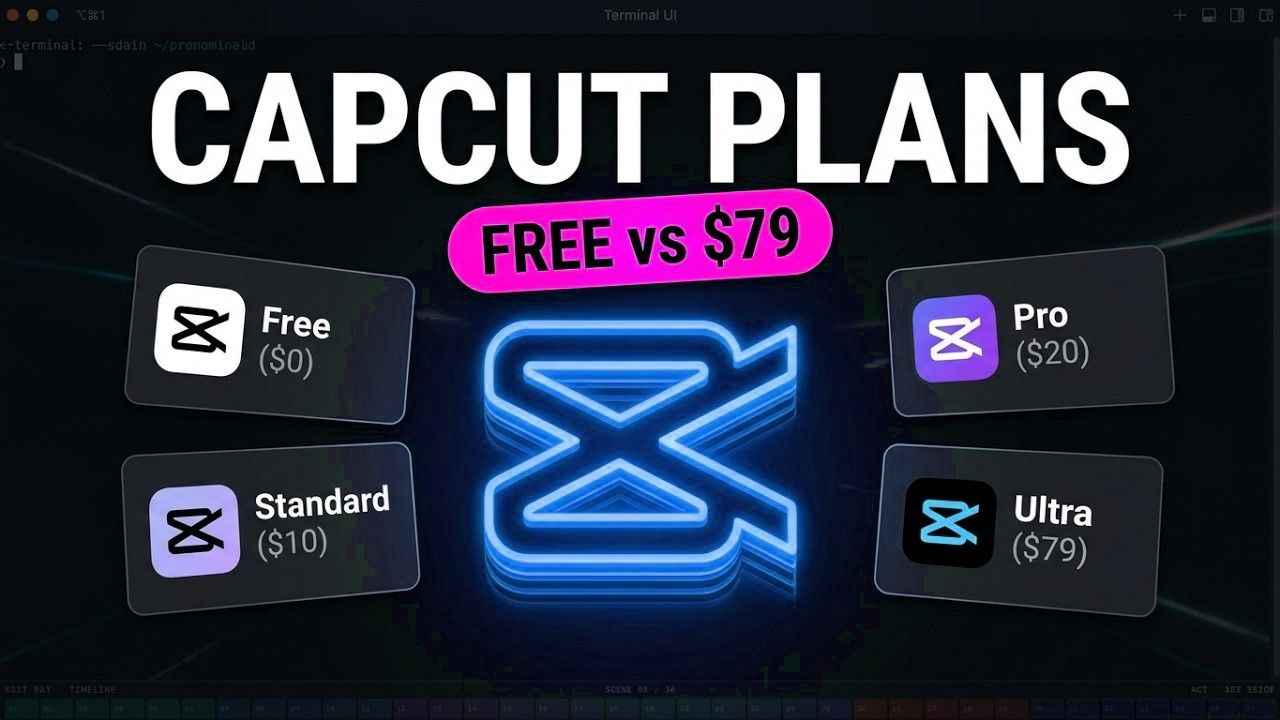
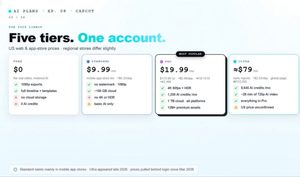
CapCut is the free editor behind a billion downloads. CapCut Pro price now costs nineteen ninety nine a month. Both are true and picking the right plan saves you serious money. The numbers explain the pricing power. CapCut counts two hundred million monthly users over a billion Android downloads and analyst estimates near eight hundred fifteen million dollars of revenue in twenty twenty five. Here is the twenty twenty six lineup. Free Standard at nine ninety nine Pro at nineteen ninety nine Ultra for heavy AI users and Teams for groups. Five tiers one account. CapCut bills on two axes. The subscription unlocks features like 4K export and premium templates. AI credits pay for generation and every plan spends them differently. Watch both or you will overpay. On the official pricing page four cards. Free Pro Ultra and Teams. Monthly or yearly toggle. Each card lists a monthly AI credit allowance and that number is your real capacity. The prices moved fast. Pro was four ninety nine then seven ninety nine then nine ninety nine. In February twenty twenty six the annual plan nearly doubled overnight from seventy seven ninety nine to one seventy nine ninety nine. Free is still a real editor.
Full timeline keyframes transitions filters and ten eighty p exports. Thousands of free templates. For trimming clips and posting to social media it works. But read the fine print. Anything marked Pro exports with a watermark. Cloud storage for free users ended in twenty twenty four. And some former free export options moved behind the paywall in twenty twenty six. The pain point is timing. Free users build a whole project hit export and discover a Pro asset buried in the timeline. One reviewer wrote the first I knew was at the end when the work was already done. The move that broke trust. In twenty twenty four auto captions became a paid feature. Users called it an accessibility issue. The feature still works on free but with a tight usage cap and constant upgrade prompts. So who should stay free. If you edit occasionally avoid Pro templates and export before you polish Free costs nothing and delivers. Just check the Pro badge on every effect you use. Standard at nine ninety nine a month is the quiet middle tier.
Sold mainly through mobile app stores it adds watermark free ten eighty p about one hundred gigabytes of cloud and basic AI tools. No 4K. Pro costs nineteen ninety nine monthly or one seventy nine ninety nine a year. That is sixty seven cents a day monthly or forty nine cents on annual billing. The year plan also boosts credits by fifty percent. The Pro stack is broad. 4K sixty and HDR exports watermark removal one terabyte of cloud over twelve million premium templates and effects and the full AI toolkit on mobile desktop and web with one subscription. Credits have rules. Subscription credits refresh monthly and never roll over. Annual subscribers get fifty percent more each month. Purchased credits cost four ninety nine per hundred and last two years. Failed generations still burn them. What does a credit buy. Official rates list Seedance 2.5 from twelve cents per second and Seedance Mini at 480p from under one cent. Users report one thirty second AI clip eating four hundred twenty credits. Model choice is everything. This is the sleeper feature.
CapCut App price Explained
The AI media tab runs Veo 3.1 Sora 2 Seedance and Runway inside one editor. Pro credits are the meter. You are subscribing to a model buffet not one tool. Find your balance in three places. Mobile hides it under the Me tab then Credits. Web editors get a toolbar chip. Desktop shows it during generation. Set a mental budget before you generate. Ultra is the new ceiling. Around seventy nine dollars a month in early reports with eight thousand six hundred forty five monthly credits on the global page. That is roughly twenty eight minutes of 720p AI video per cycle. Run the credits per dollar math. Pro monthly delivers about sixty credits per dollar. Ultra lands near one hundred nine. Annual Pro with the bonus peaks around one hundred twenty. Heavy generators should do the division.
Teams runs fifteen to thirty dollars per seat monthly on annual billing with credits per seat a brand kit and one terabyte each. No simultaneous timeline editing yet. Sellers can look at Commerce Pro separately. Students listen. There is no permanent student discount but Creative Campus gives free Pro memberships at partner universities in several countries. Check if your school is in before you pay anything. The refund window is strict. Fourteen days full refund but only with zero Pro usage of any kind. Trials run seven days and can auto renew. Cancel through the same store that billed you. The billing playbook. Subscribe on the web app stores charge one to three dollars more. Calendar the renewal date. Screenshot your cancellation. And remember purchased credits are never refundable. Now the paradox. Trustpilot rates CapCut one point two out of five.
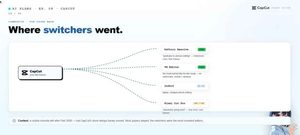
The Apple App Store shows four point six. Same app same months. Billing anger concentrates on review sites while the editor itself keeps its fans. What users praise. Auto captions near ninety five percent accurate on clear audio. A beginner friendly timeline. Weekly template drops. One reviewer summed it up the auto captions are as good as anything at this price. What they flame. The price hike called insane in dozens of threads. Credits vanishing on failed generations. And support that one user quoted as saying virtual products do not support refunds. That screenshot went viral. The churn is real. After the hike creators moved to DaVinci Resolve for color power VN for free watermarkless editing InShot for three ninety nine simplicity and Final Cut for a one time buy. Community consensus in one line each. Casual posters stay free. Daily mobile creators Standard.
Capcut pro
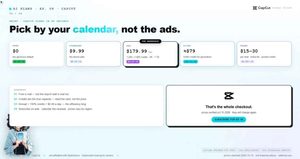
Regular posters who live in templates Pro. AI heavy generators do the credit math first. Teams only with real collaboration needs. Pick Free if you post weekly or less only trim and caption and never touch Pro badges. Cost zero dollars. Pay attention at export and the free tier quietly does the job. Pick Standard if you edit on a phone want watermarks gone and can live without 4K. At nine ninety nine it is half of Pro and for social clips the ceiling rarely matters. Pick Pro if you publish several times a week need 4K live on premium templates or touch AI weekly.
Take the annual plan for the fifty percent credit bonus and drop the effective price to forty nine cents a day. Pick Ultra only when credits are your bottleneck. If you generate AI video daily roughly one hundred nine credits per dollar beats Pro by eighty percent. Everyone else is buying capacity they will never spend. Pick Teams for three or more people sharing brand kits and cloud space or sell on Commerce Pro. Solo buyers do not need it. Students Creative Campus first. Everyone else skip. The whole decision in four questions. Do you edit daily. Do you need 4K.
Do you generate AI video weekly. Do three plus people collaborate. Each yes climbs one tier. Each no saves you money. CapCut free is generous. Standard is the phone plan. Pro at forty nine cents a day annual is the workhorse. Ultra is for generators. Verify prices at checkout they change by region. Pick by your calendar not by the ads.